Sphinx of black quartz, judge my vow.
The quick brown fox jumps over the lazy dog. 0123456789
Weights:
400
CSS
font-family: 'Bricolage Grotesque', sans-serif;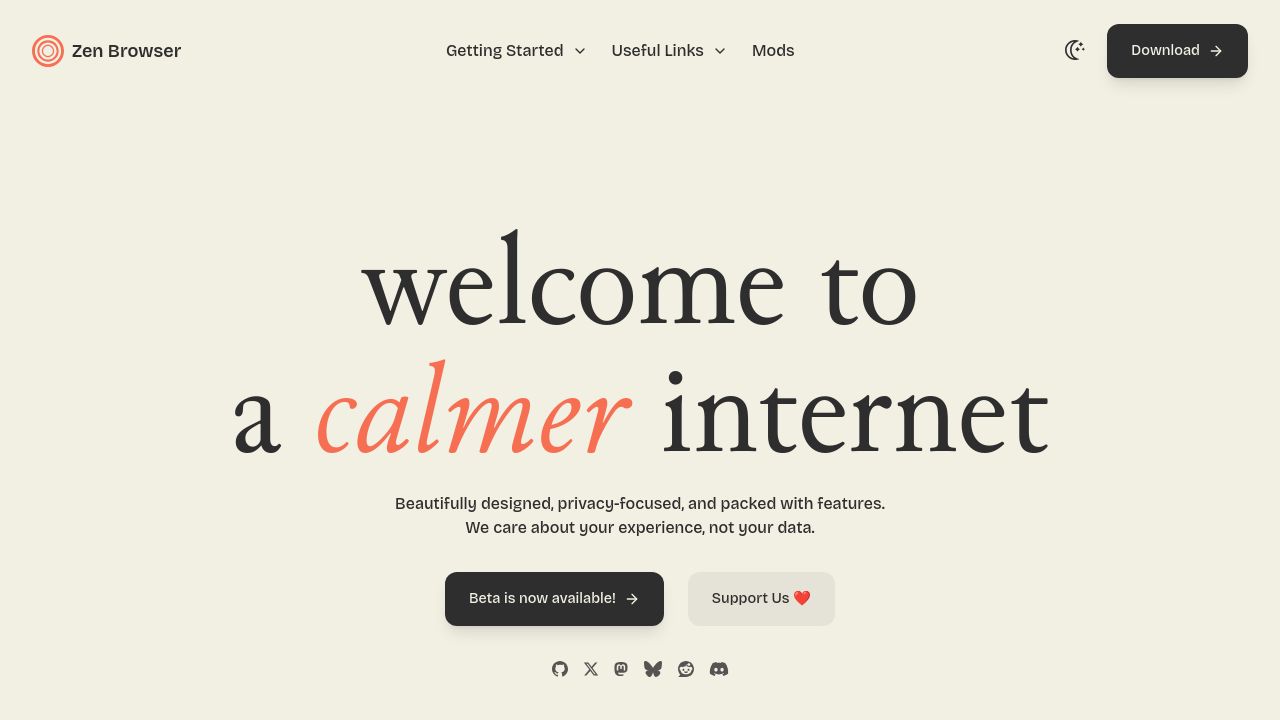

Zen Browser
Beautifully designed, privacy-focused, and packed with features.
cached · 2h ago
Zen Browser, a platform renowned for its focus on privacy and user-friendly features, employs distinctive typography to enhance its visual identity. The use of Bricolage Grotesque exudes a sense of modernity and clarity, while Junicode and its italic variant add a touch of tradition and warmth. This thoughtful selection supports the brand's goal of creating an inviting yet secure browsing experience for its users, making each visit feel comfortable and engaging.
Sphinx of black quartz, judge my vow.
The quick brown fox jumps over the lazy dog. 0123456789
font-family: 'Bricolage Grotesque', sans-serif;Sphinx of black quartz, judge my vow.
The quick brown fox jumps over the lazy dog. 0123456789
font-family: 'Junicode', sans-serif;Sphinx of black quartz, judge my vow.
The quick brown fox jumps over the lazy dog. 0123456789
font-family: 'Junicode-Italic', sans-serif;The cascading font order declared in CSS. Browsers try each font left-to-right until one is available.
Zen-browser.app prominently features Bricolage Grotesque and Junicode, along with Junicode-Italic for added stylistic flair. These custom fonts help define the site's unique look.
The primary fonts, Bricolage Grotesque and Junicode, can typically be found on font distribution platforms or directly from the designer's website. Check for licensing options.
Bricolage Grotesque stands out with its distinctive geometric shapes and clean lines, making it a unique choice compared to more common sans-serif fonts like Arial or Helvetica.
Junicode is available in a 400 weight for regular text, while the italic variant also features a 400 weight. This provides flexibility in creating a rich typographic hierarchy.