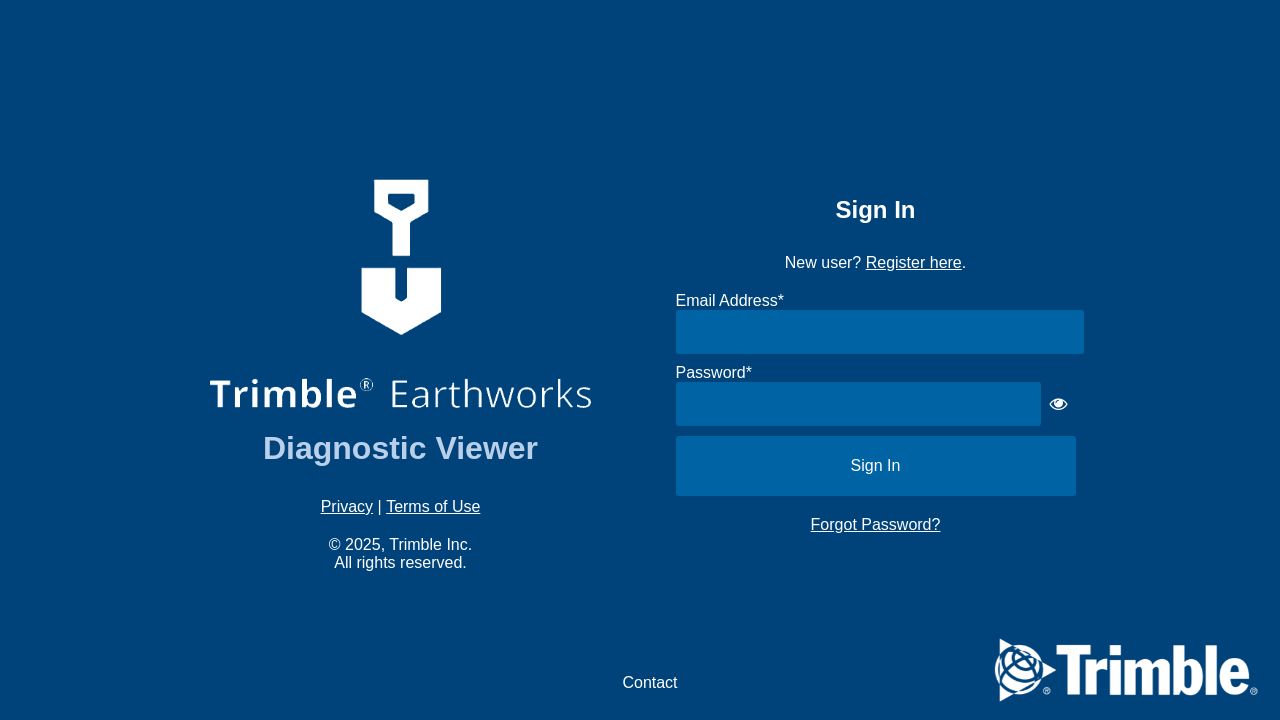

What fonts does Diagnosticviewer use?
No primary web font was detected on Diagnosticviewer.com - its CSS only lists as fallbacks. 1 font detected, last checked Sep 23, 2026.
Diagnostic Viewer utilizes the FontAwesome font family to enhance its user interface, which is crucial in the medical and diagnostic software industry. This choice reflects a focus on clarity and functionality, ensuring that healthcare professionals can easily interpret data. The use of FontAwesome icons further supports intuitive navigation, catering to a tech-savvy audience that values efficient and effective communication. By prioritizing these font choices, diagnosticviewer.com emphasizes its commitment to providing users with a seamless experience while accessing critical diagnostic information.
Font stacks
The cascading font order declared in CSS. Browsers try each font left-to-right until one is available.
Explore FontAwesome
Frequently asked questions about Diagnosticviewer.com's fonts
What fonts does Diagnosticviewer.com use?
No primary web font was detected on Diagnosticviewer.com - its CSS only lists as fallbacks. 1 font detected, last checked Sep 23, 2026.
What fonts does diagnosticviewer.com use?
The primary font used on diagnosticviewer.com is FontAwesome, which is employed for its icons and visual elements.
Where can I get FontAwesome?
FontAwesome can be downloaded directly from its official website or integrated via CDN links. It offers various styles and weights for use.
How does FontAwesome compare to other icon fonts?
FontAwesome is widely regarded for its extensive library of icons and easy-to-use interface, making it a popular choice compared to alternatives like Material Icons.
What styles or weights does FontAwesome offer?
FontAwesome primarily offers a normal weight for its icons, which provides consistency and clarity across applications, particularly in diagnostic settings.
Other sites using FontAwesome
Explore typography choices on similar pages.


