Find out which fonts any website uses - paste a URL and see every typeface instantly.
How It Works
Paste Any URL
Enter any website address - no extension to install, no screenshot to take. We crawl it securely in the cloud.
We Scan the Page
Our engine extracts every @font-face rule, Google Fonts import, Bunny Fonts link, and custom CDN source - all at once.
See Every Font
Get the full font inventory: family name, weights, license, and source - for every typeface on the page, instantly.
Recently Analyzed

 bailiff.assist.bd
1st Call Bailiff Help — Stop Bailiffs Now
2 days ago
2 fonts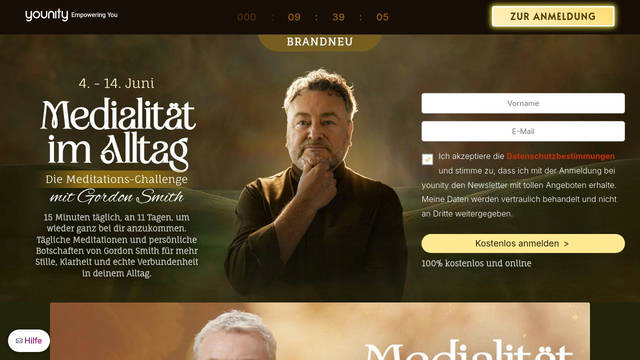
 medialitaet.academy
11 Tage Meditation | Gordon Smith
2 days ago
16 fonts
Health & Pharma News | Latest Healthcare Stories | Reuters
2 days ago
7 fonts
 socialtansvar.dk
Forside - Socialtansvar.dk
2 days ago
8 fonts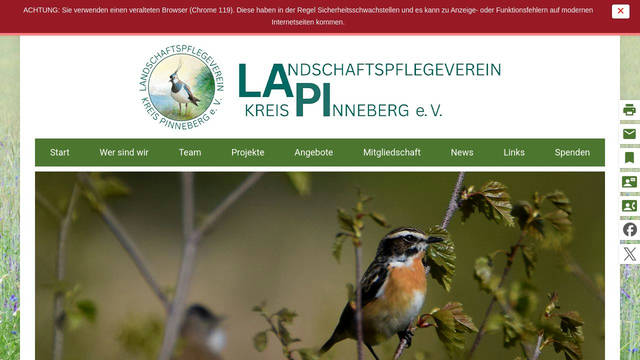
 lapi.team
Startseite - Landschaftspflegeverein Kreis Pinneberg e.V. (LAPI)
3 days ago
8 fonts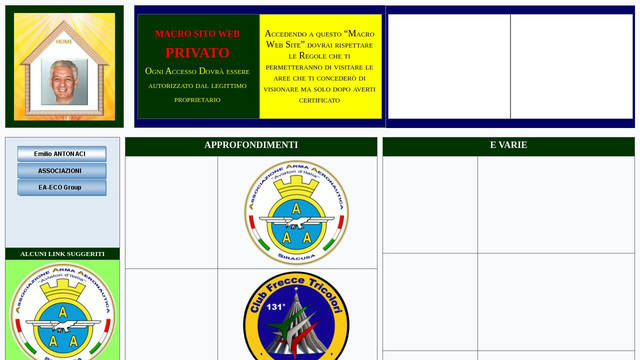
SITO WEB PRIVATO - Emilio ANTONACI
3 days ago
4 fonts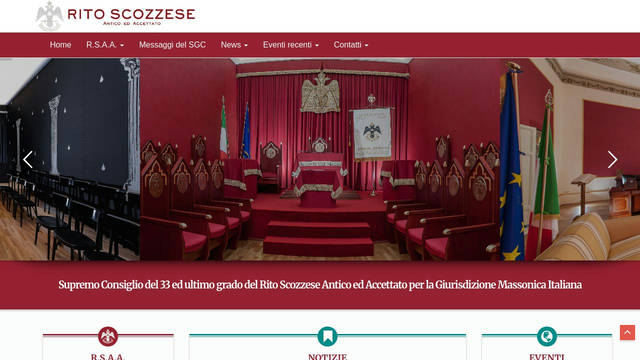
 ritoscozzese.it
Home - Rito Scozzese Antico ed Accettato
3 days ago
16 fonts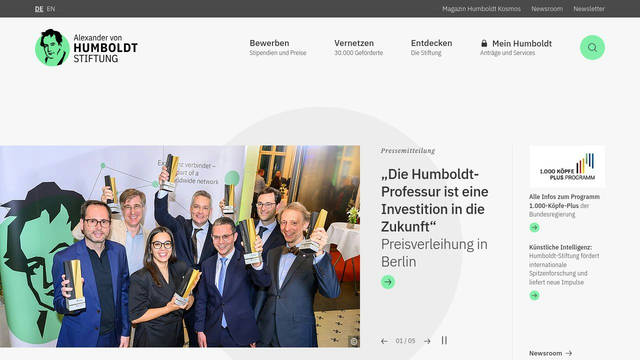
 humboldt-foundation.de
Startseite
3 days ago
12 fonts
 uni-freiburg.de
Universität Freiburg
3 days ago
13 fonts
Heidelberg University
3 days ago
3 fonts
 fau.de
Wissen bewegen | Friedrich-Alexander-Universität
3 days ago
2 fonts
 kit.edu
KIT - Karlsruher Institut für Technologie
3 days ago
10 fontsMost Popular Fonts
Most Common Font Pairings →Typography Tools
Free tools for designers and developers
Font Preview
Test any Google Font live with custom text, size, weight, and spacing. Copy the CSS instantly.
Open tool →Type Scale Generator
Generate a modular type scale for your design. Perfect proportions from h1 to small text.
Open tool →Contrast Checker
Check WCAG AA/AAA compliance for text and background color combinations instantly.
Open tool →Other Ways to Find Fonts - and Their Limits
Chrome & Firefox DevTools
Open DevTools → select a text element → Computed tab → "Rendered Fonts". Precise for single elements, but you have to inspect each one manually - no full-page inventory.
Full DevTools guide →Browser Extensions
Extensions like WhatFont or Fontanello show the font on hover or right-click. Fast and convenient, but limited to one element at a time and only work in the browser where installed.
Compare extensions →Identify Font from Image
Have a screenshot or photo with a font you want to identify? Our guide walks through the best free tools - from AI matchers to Google Lens - to name any typeface.
Font from image guide →From the Blog
Font Detection Tool
Instantly identifies fonts from any website URL.
Read more →Guide to Detecting the Esselunga Font
Discover how to detect the fonts used on Esselunga with wtfont.app by simply analyzing the URL.
Read more →How to Easily Search for a Font by Image
Discover how to easily search for a font by image with tools available online.
Read more →Typography for Apps
Explore tips for effective typography in app design.
Read more →Font Usage Insights
Discover how to choose the right fonts for various industries.
Read more →Font Detection Tool
Identify fonts used on any website instantly.
Read more →Roboto Font Guide
Explore the essential guide to the Roboto font and its design impact.
Read more →Discover the Best Font Recognition Tools Online
Discover the best font recognition tool with wtfont.app, which identifies fonts on websites in seconds.
Read more →Panchang Font Insights
Explore the beauty and usage of the panchang font.
Read more →Font Detection Tool
Identify fonts from any website URL instantly.
Read more →Web Font Effectiveness
Learn how effective web fonts can transform your website design.
Read more →Discover What Fonts Any Website Uses
Find out which fonts any website uses - paste a URL and see every typeface instantly.
For Designers
Spotted a typeface you love on a website? Identify it instantly - get the exact name, weights, and source so you can use it in your own projects.
For Developers
See exactly how top products load their fonts - Google Fonts, Bunny Fonts, self-hosted @font-face. Replicate any typography stack in minutes.
For Marketers
Benchmark your brand's typography against the competition. Discover which typefaces leading companies chose and why they work.
Frequently Asked Questions
How does font detection work?
What the Font crawls the target URL inside a secure Cloudflare cloud environment, parses every linked stylesheet, and extracts @font-face declarations, Google Fonts import URLs, and CDN links from services like Bunny Fonts and Fontshare.
What types of fonts can be detected?
Any font loaded over the network - Google Fonts, Bunny Fonts, Fontshare, and custom fonts declared with @font-face. System fonts like Arial or Georgia aren't fetched from external servers and cannot be detected.
Is What the Font free?
Yes, completely free. No account required, no rate limits.
How up-to-date are the results?
Results are cached for 24 hours. After that, the next visit triggers a fresh crawl automatically - or click "Re-analyze" on any site page to force an immediate rescan.
How do I find the font on a specific element?
Use Chrome or Firefox DevTools: right-click the text → Inspect, then open the Computed tab and scroll to "Rendered Fonts". This shows the exact font being rendered on that element. For a full page inventory, use the URL scanner above.
Are browser font extensions reliable?
Extensions like WhatFont and Fontanello are great for quickly checking a single element, but they can't give you a complete inventory of all fonts loaded by a page. A URL scanner detects every @font-face, Google Fonts import, and CDN font in one pass.
Can I check if a website loads Google Fonts externally?
Yes - paste the URL and look for fonts marked with source "Google Fonts". If present, the site is making external requests to fonts.googleapis.com, which is relevant for GDPR compliance.
Can I identify fonts without installing a browser extension?
Yes - that is the main advantage of What the Font. Just paste the URL in the box above and you get a complete font inventory within seconds. No extension, no plugin, no account required.
Does it detect Google Fonts, Adobe Fonts, and custom fonts?
Google Fonts and Bunny Fonts are detected and labeled automatically. Custom @font-face fonts - whether self-hosted or loaded from a CDN - are also captured. Adobe Fonts (Typekit) can be detected if the font-face declarations are accessible in the stylesheet.
What if the font is in a logo, image, or screenshot?
A URL scanner only detects fonts loaded via CSS. If the font is embedded in an image or logo, it was not loaded as a web font - but you can try image-based tools like WhatTheFont by MyFonts, Google Lens, or Font Squirrel Matcherator. See our font-from-image guide for step-by-step instructions.
How is this different from browser font extensions like WhatFont?
Extensions show you the font on a single element you hover over. What the Font scans the entire page at once and lists every font loaded - including ones on components not currently visible. It also works without installing anything and can be used on any device.